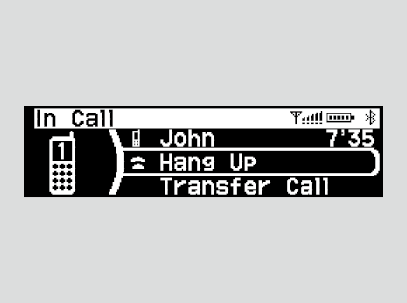
The ignition switch must be in ACCESSORY I or ON II to use the system.
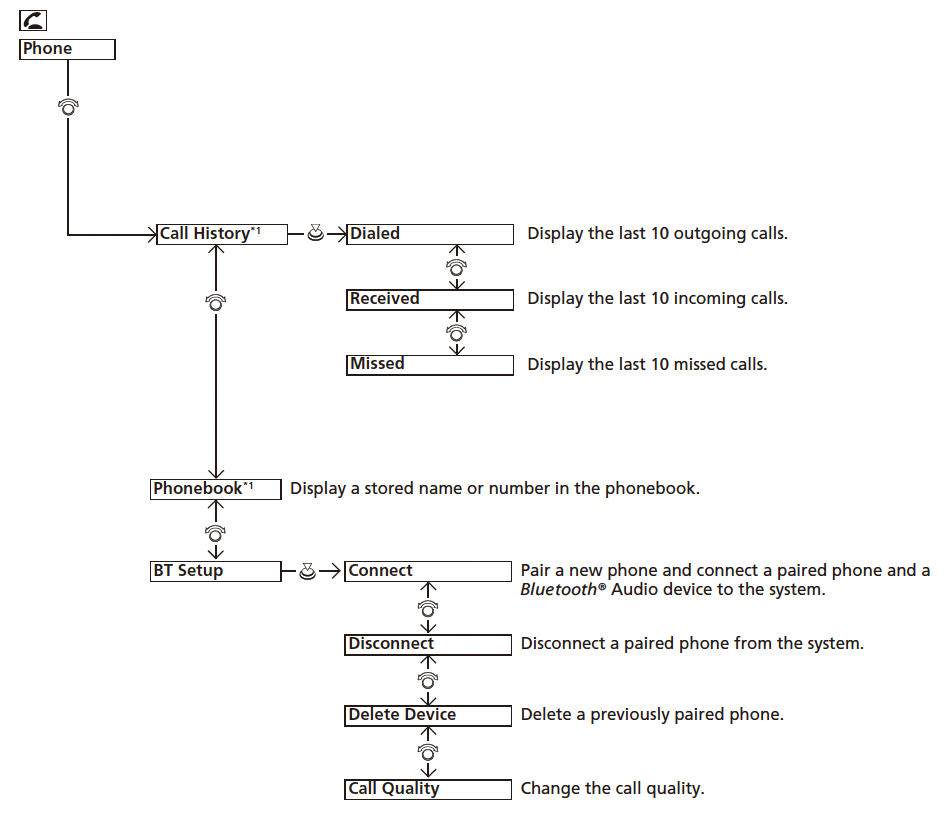
*1: Appears only when a phone is connected to the system.
 to select.
 to enter. to select BT, then press . to select Yes. to select Yes.
 button. to select BT Setup, then press . to select Disconnect, then press . button. to select BT Setup, then press . to select Delete Device, then press . to select a phone you want to delete, then press . button. to select BT Setup, then press . to select Call Quality, then press . to select a phone you want to set, then press .
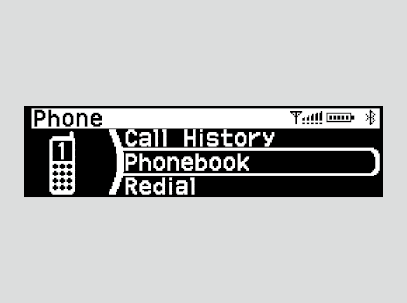
The call history is stored by Dialed, Received, and Missed.
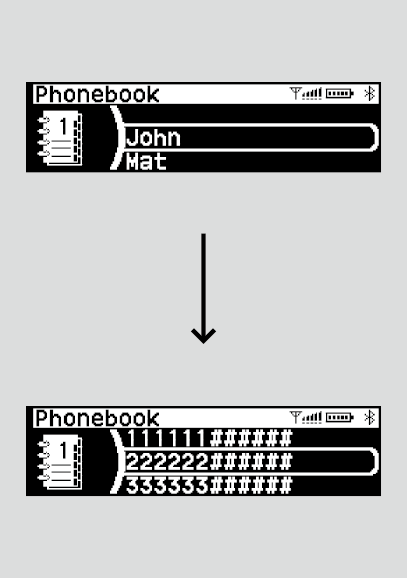
button. to select Call History, then press . to select Dialed, Received, or Missed, then press . to select a number, then press .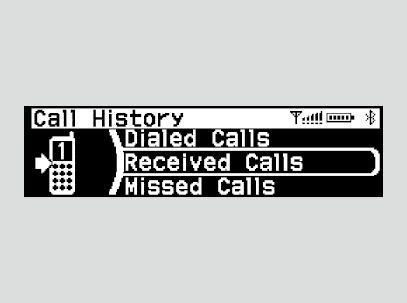 button. to select Phonebook, then press . to select a name on the list, then press . to select a number on the list, then press .
 button to answer the call.
 button to decline or end the call.
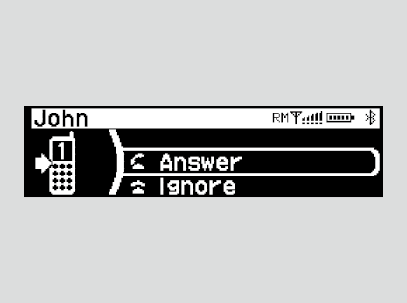 button to put the current call on hold to answer the incoming call. button again to return to the current call. button if you want to hang up the current call. and buttons. Rotate to select the icon, then press . button. to select the option, then press .