
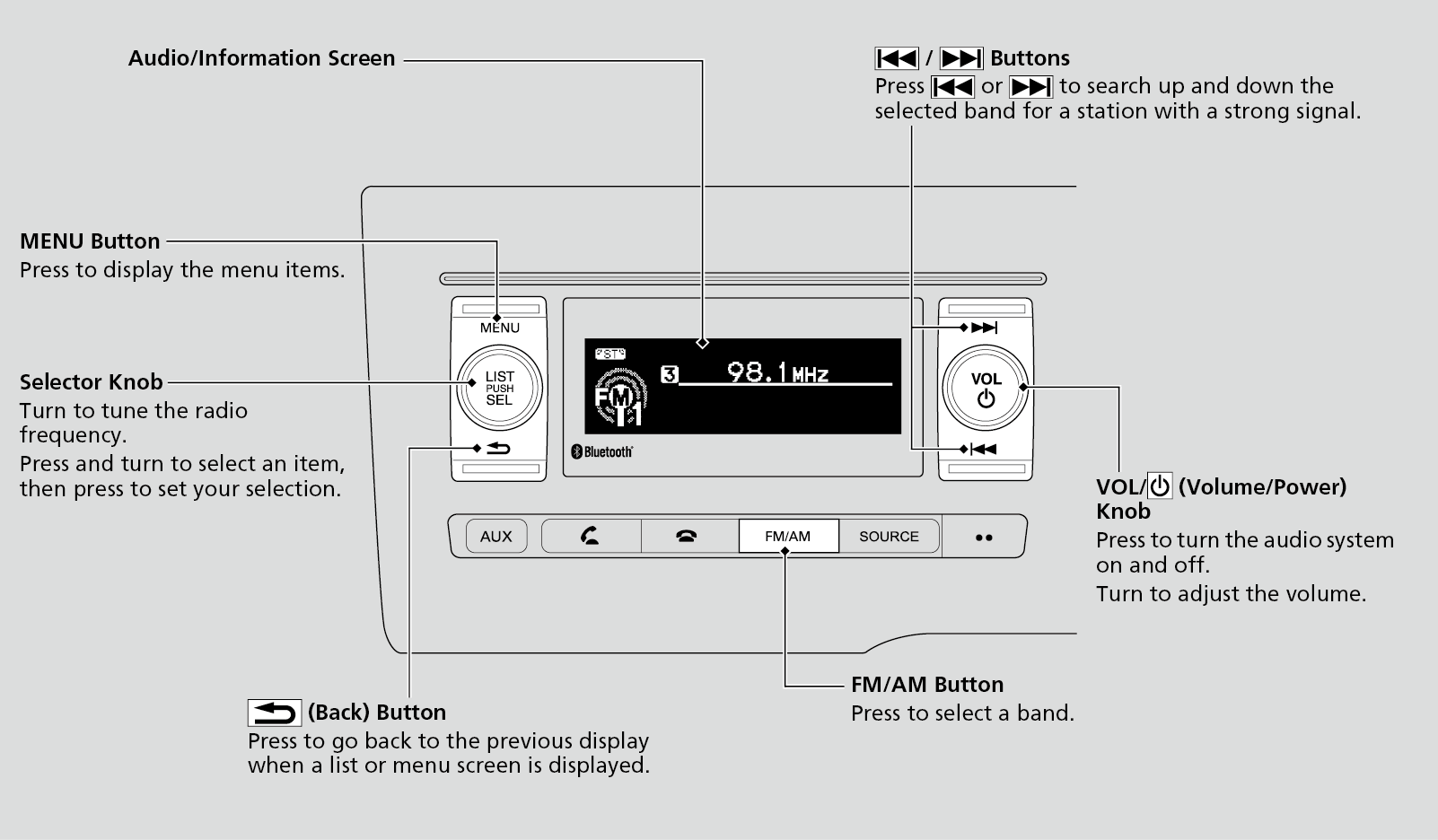
Use the auto select feature to scan both bands and store the strongest station in each preset.
 to select Auto Select, then press
 .
To turn off auto select, press MENU button and rotate to select Auto Select, then press .
Uses the preset memory feature to store a station in each preset.
to select Save Preset, then press . to select the preset number you want to store that station, then press .You can also store that station by the following procedure.
to switch to the preset list mode. to select a preset number, then press and hold .Lists the preset stations on the selected band.
to switch to the preset list mode. to select a preset station, then press .Samples each of the strongest stations on the selected band for 10 seconds.
to select Scan, then press .To turn off scan, press .